Record your screen, audio, and calls — automatically.
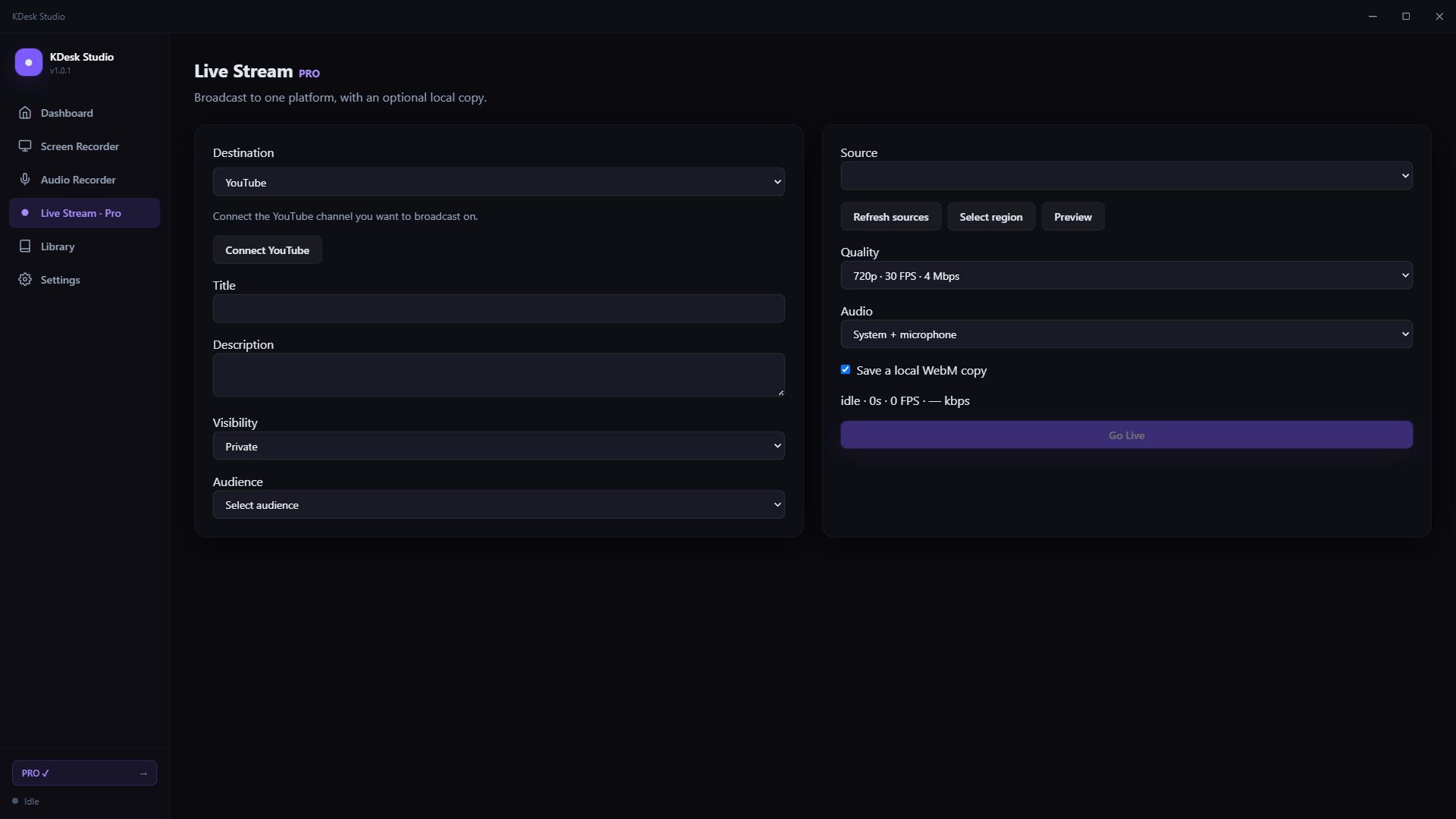
Record your screen or audio locally. Add Pro for native MP4/MKV capture, selected regions, supported call automation, and live streaming to YouTube or Facebook.
Free basic recording · Optional monthly or yearly Pro · Privacy policy
Built around one idea: never miss a recording
Everything else is just the quality you expect from a modern Windows recorder.
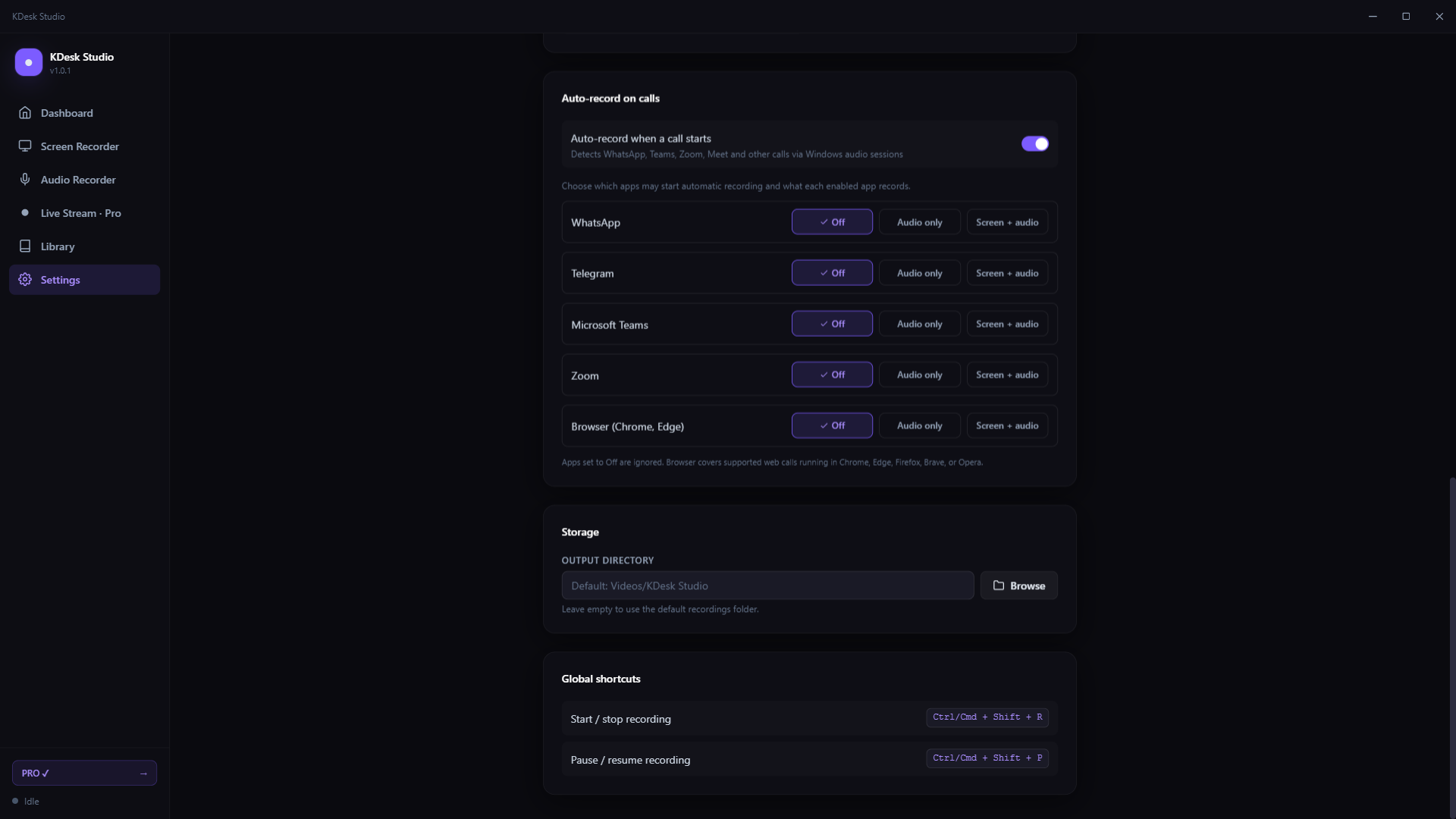
Detects calls and starts recording — hands-free
Configure supported WhatsApp, Telegram, Microsoft Teams, Zoom, and browser calls, including Google Meet. Choose Off, Audio only, or Screen + audio for each app. Automatic recording does not start over an existing recording.
Updated in version 1.0.1
More recording options and clearer controls for everyday use.
Native MP4 and MKV capture with Pro
MP4 and MKV screen recordings automatically use Windows capture and H.264 encoding. MP4 preparation remuxes the encoded streams after recording. Native capture does not apply microphone noise suppression or echo cancellation.
Controls that fit your workflow
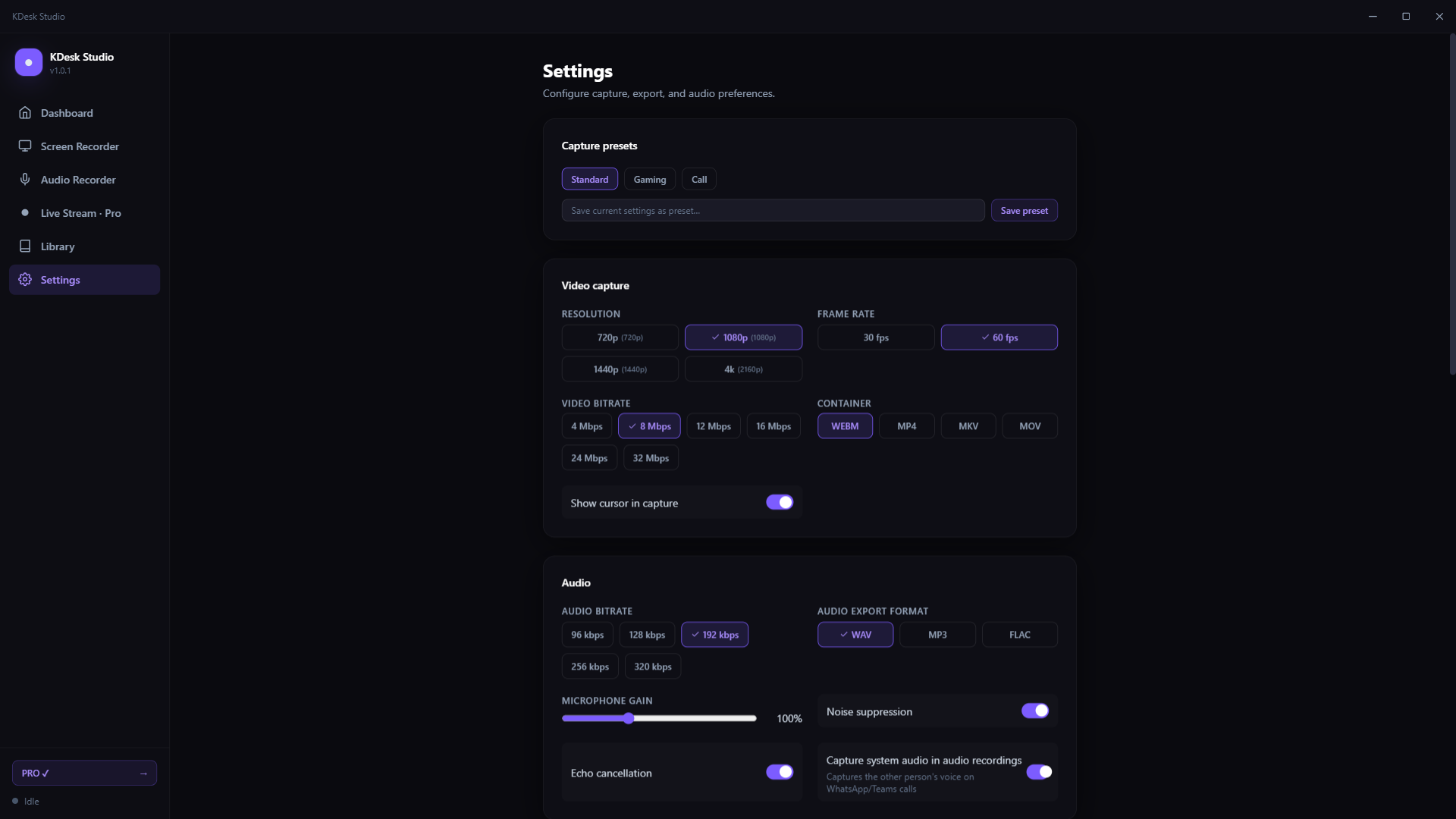
Stop from the main recording button or floating toolbar. Expand the storage estimate when you need it, choose per-app call recording modes, and restore an existing Pro subscription from the upgrade screen.
Free to start. Pro when you need more.
Basic screen and audio recording is free. Either monthly or yearly Pro unlocks all Pro features while active. You only need one plan.
Free
- Screen & audio recording — no time limit
- Microphone; supported system audio in audio-only mode
- WebM export
- Global hotkeys & library
- MP4 / MKV / MOV export
- Region, scheduling, presets, replay
- Auto-record on calls
Pro
- Everything in Free
- MP4, MKV & MOV export (H.264/AAC)
- Region recording & native MP4/MKV capture
- Capture presets & custom presets
- Scheduled start & auto-stop timer
- Instant replay (last 30s)
- Per-app automatic call recording
- System audio in screen recordings
- YouTube & Facebook live streaming
Privacy
- Recordings stay on your device
- Online streaming only when you start it
- No KDesk account for local recording
- You own every file you create
- Payments handled by Microsoft
- No card details on our servers
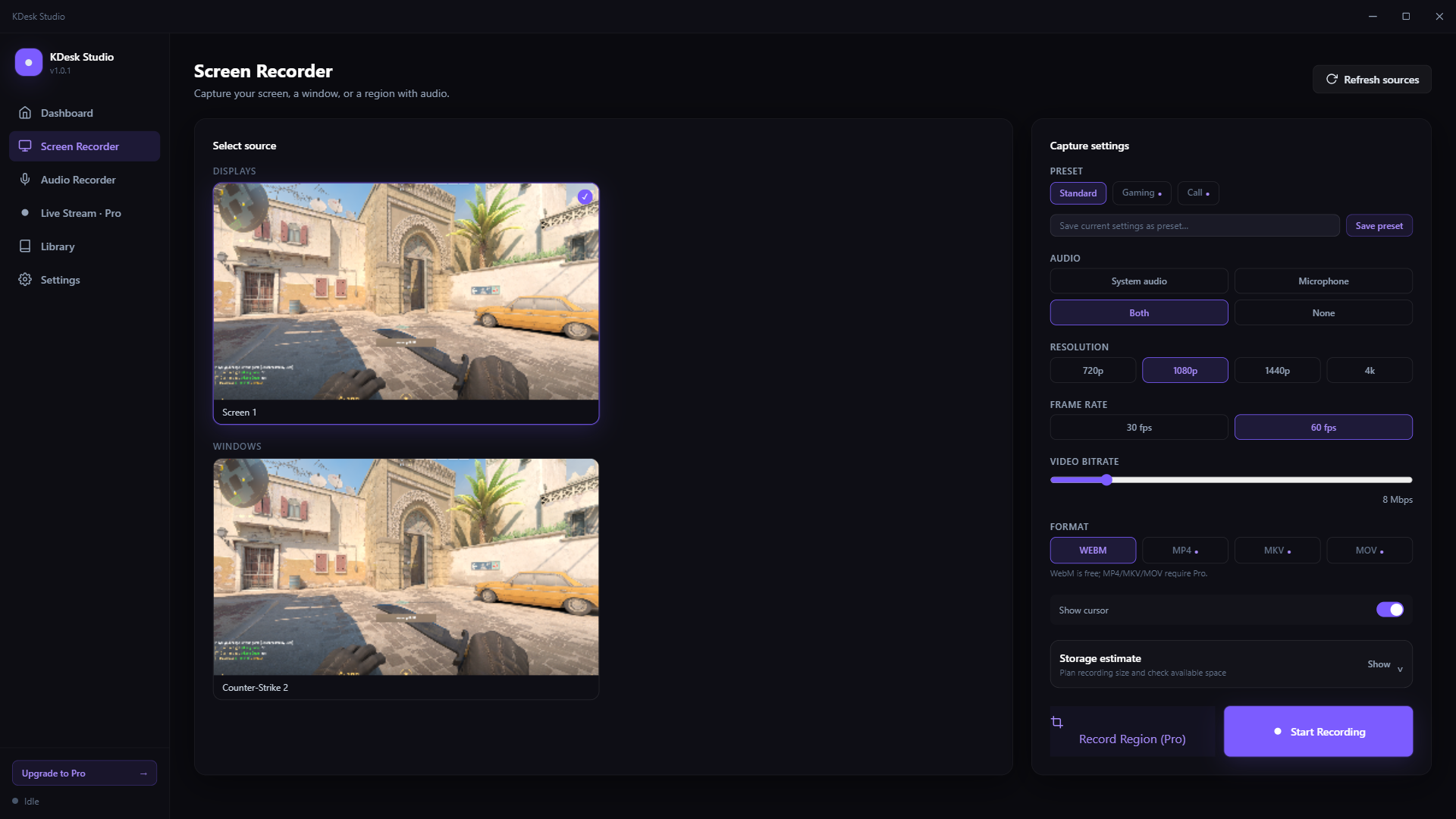
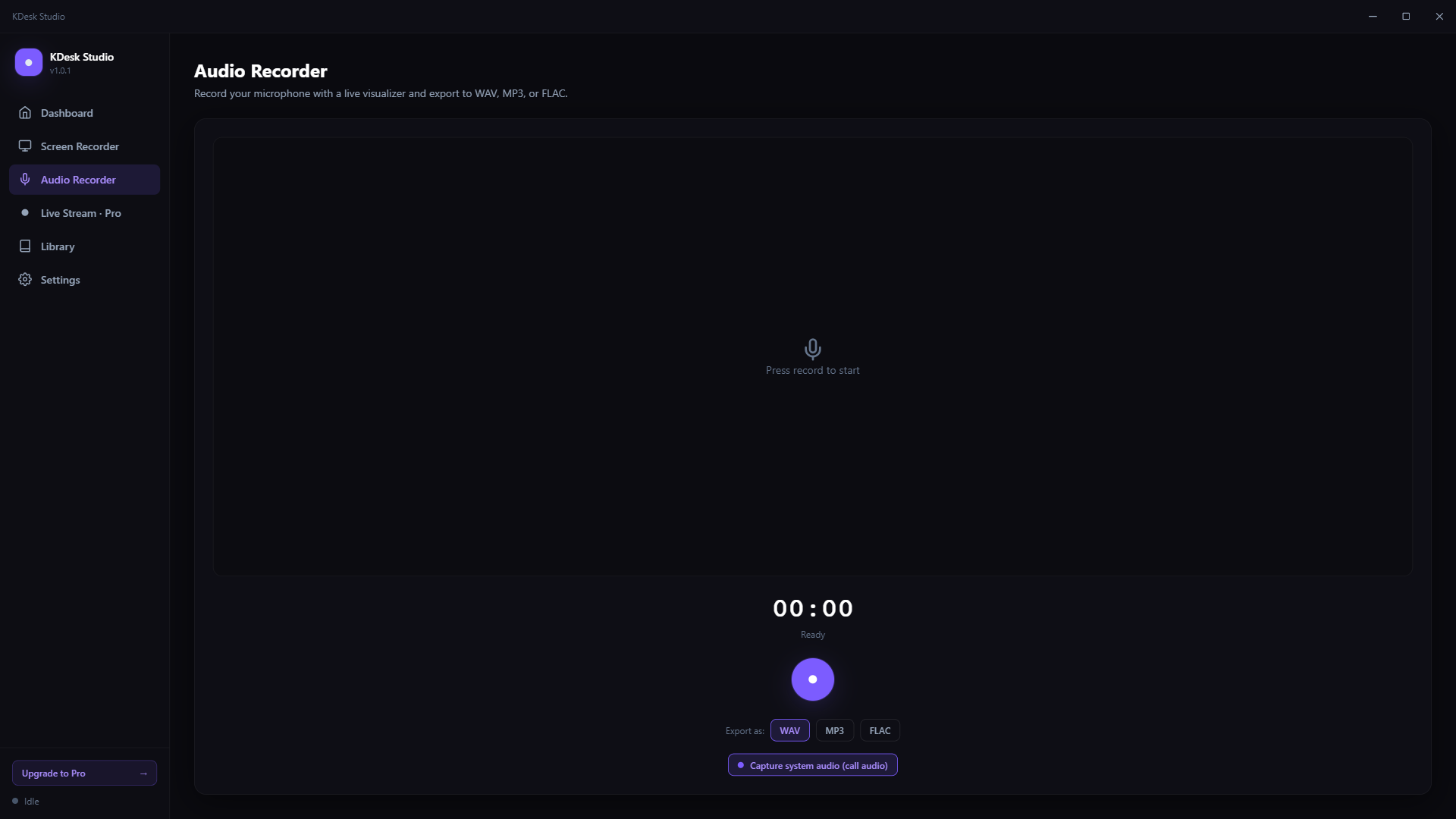
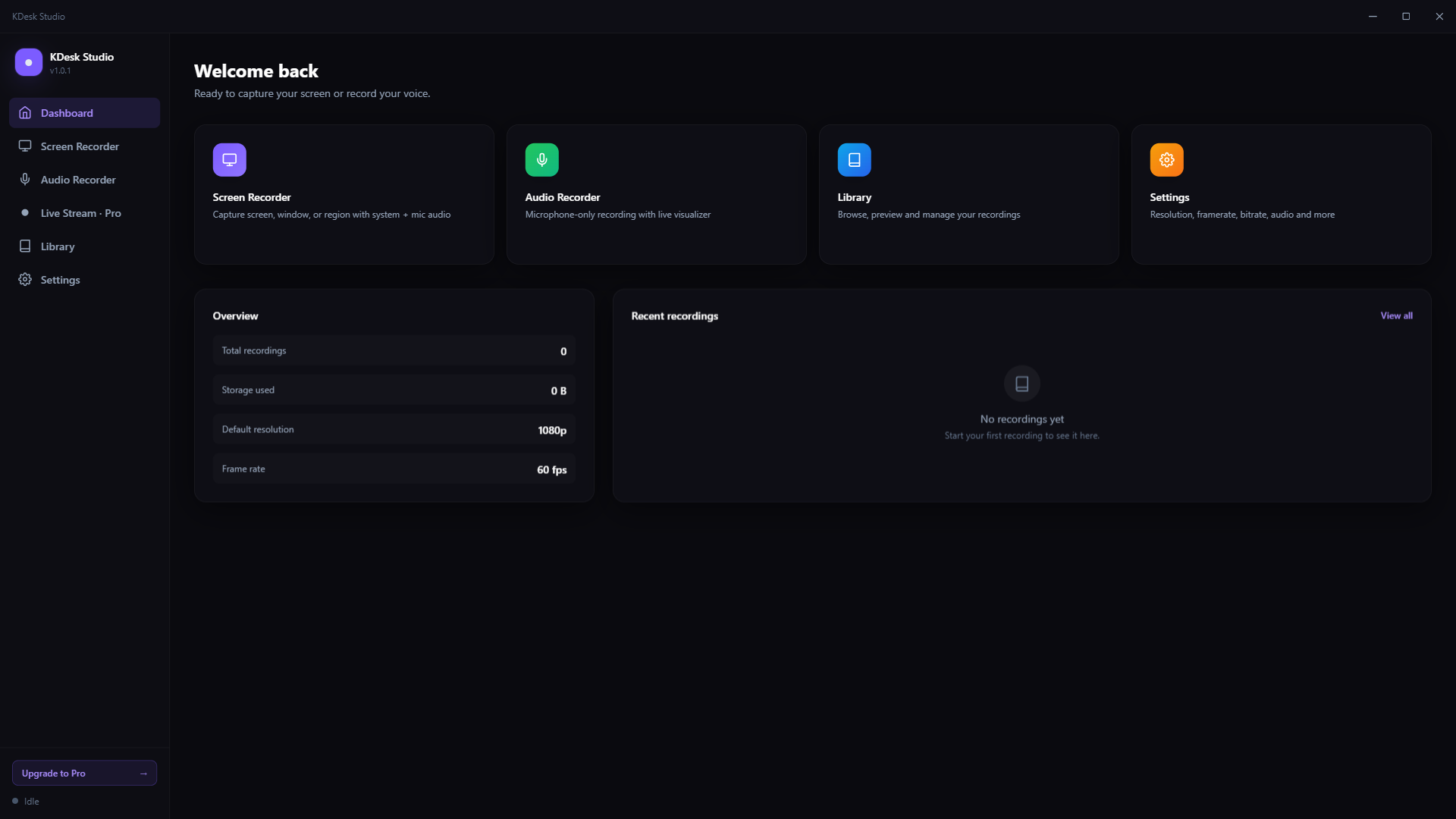
See it in action
Screenshots from KDesk Studio v1.0.1. Pro features require an active subscription; streaming is subject to platform requirements.
Ready to record?
Get KDesk Studio from the Microsoft Store. Start with basic recording and add Pro when you need more.
Windows 10 / 11 · Optional paid Pro subscription · Store pricing and availability apply.